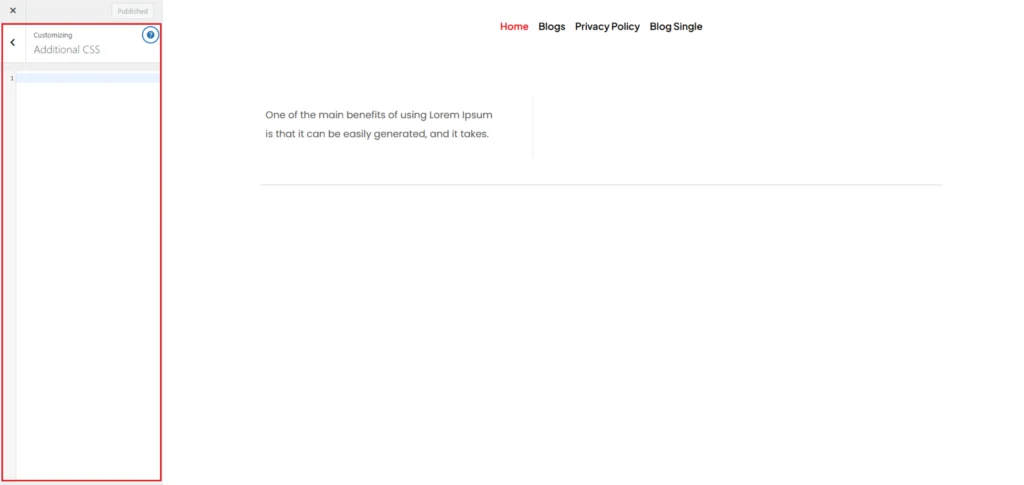
Additional Css
Step-1:
Log in to your WordPress Dashboard, and install the required plugin kirki Customizer Framework. After plugin installation, go to your WordPress Site.

Step-2:
Click on the “Customize” button at the top of the page.

Step-3:
Navigate to Additional Css.
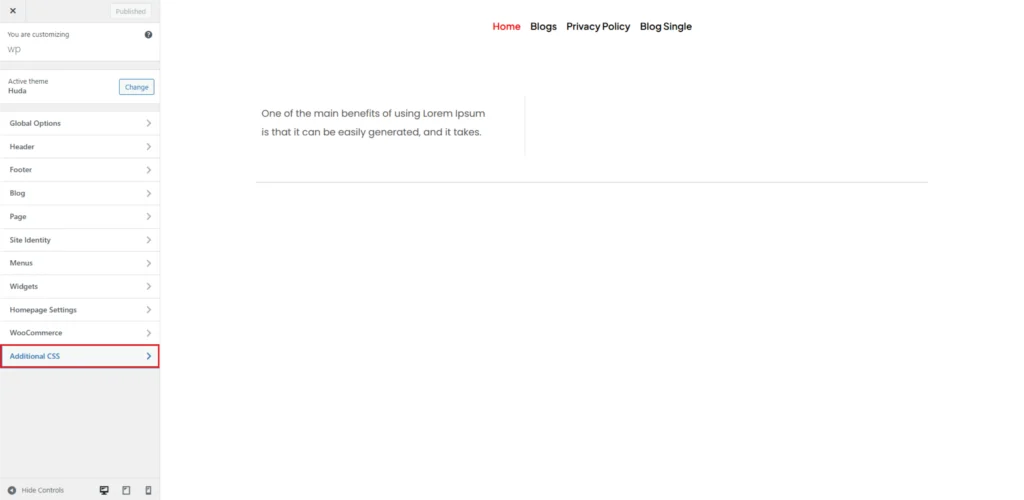
Step-4:
In the Additional CSS section, you can enter your custom CSS code to override default styles or add new styling elements. This is useful for adjusting fonts, colors, spacing, and layout changes that are not available in theme settings. The editor provides syntax highlighting and error checking to help prevent mistakes in your code.
To add custom CSS, simply type your code in the provided editor. You can apply styles to specific elements by targeting CSS classes or IDs.