HEA Animated Heading
Refer to the documentation below to get a detailed guide on how to use the Animated Heading widget effectively.
Step-1:
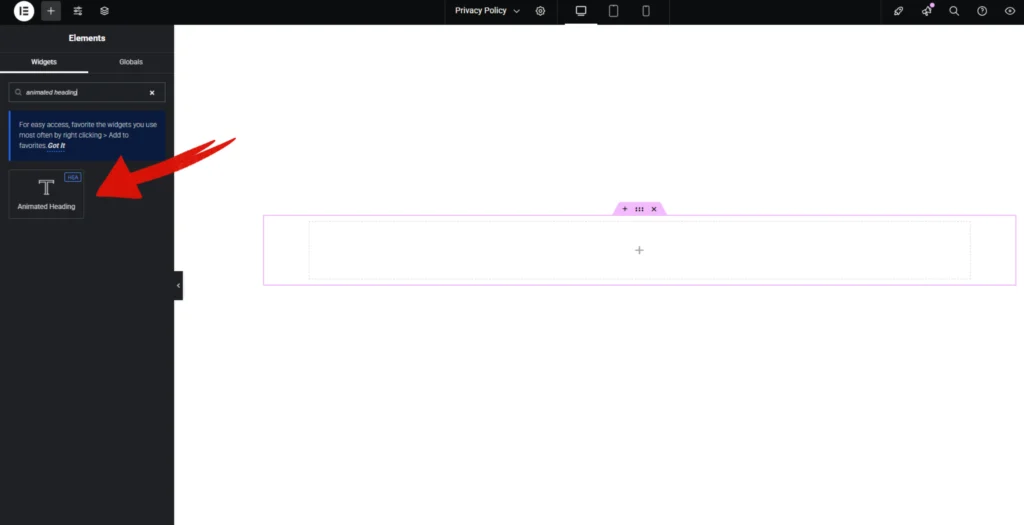
Open Elementor Editor Search for “Animated Heading” in the Elementor panel, drag the “Animated Heading” widget to a container on your page.
Step-2:
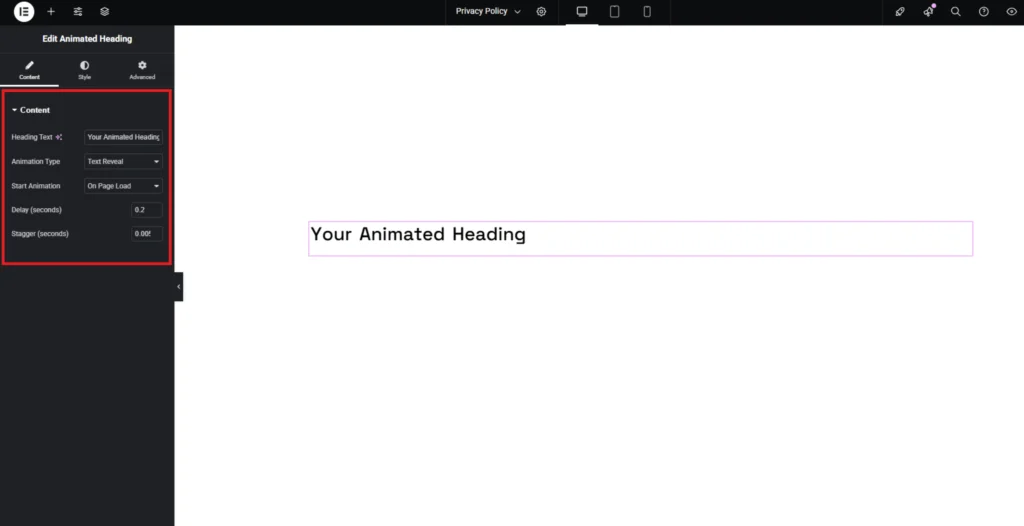
In the “Heading Text” option, write your title first. Choose animation type heading from the dropdown next to the “Animation Style” option. Choose Animation Start time from the “Start Animation” option. Adjust your animation delay time and stagger time.
Step-3:
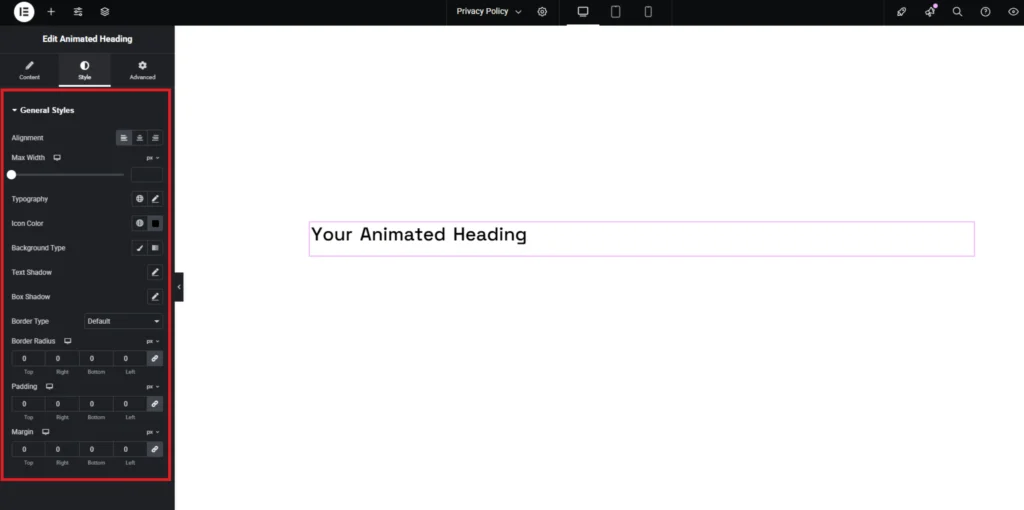
Customize the Animated Heading style from the “Style” section..