HEA Site Logo
Refer to the documentation below to get a detailed guide on how to use the Site Logo widget effectively.
Step-1:
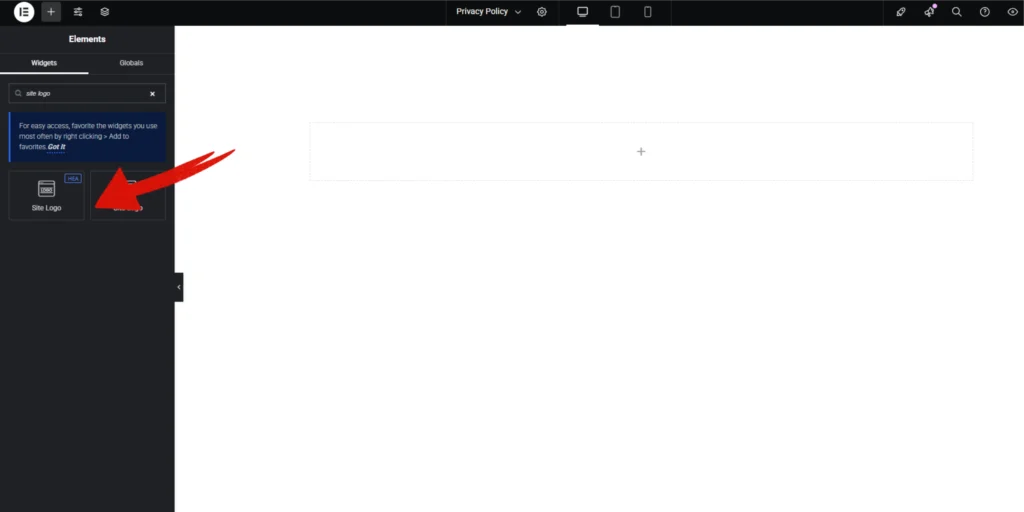
Open Elementor Editor Search for “Site Logo” in the Elementor panel, drag the “Site Logo” widget to a container on your page.
Step-2:
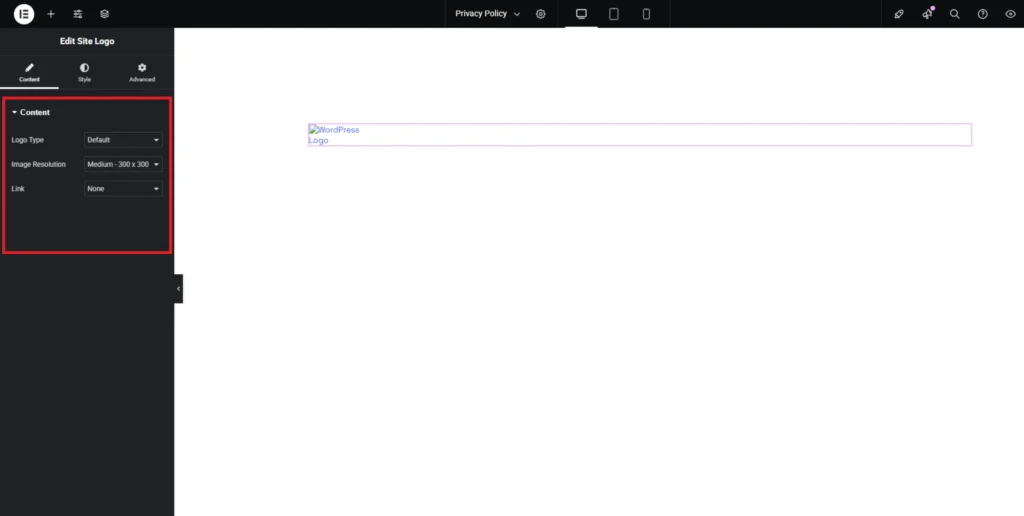
The Site Logo widget allows you to display your website’s logo effortlessly. In “Logo Type” section, you can choose between the default logo or a custom one. Adjusting the image resolution helps maintain clarity across different screen sizes, while the “Link” option lets you decide whether the logo should navigate to your homepage or remain static.
Step-3:
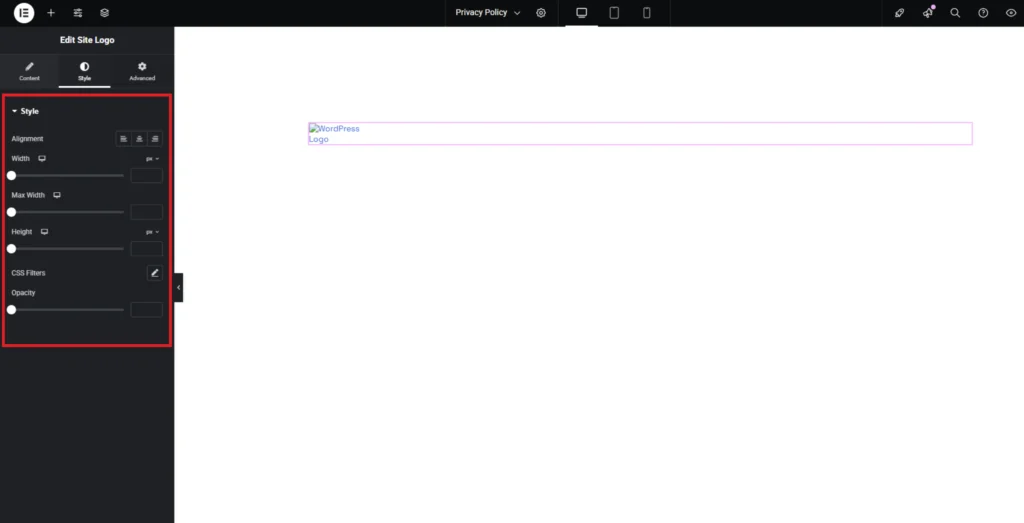
Adjust the Site Logo alignment using the “Alignment” option. Customize the Site Logo style from the “Style” section..